Small, sharp tools
for builders.
Desktop apps for Mac and Windows: a menu bar icon packed with 49 mini-tools, screenshots you can annotate and copy text from, and a way to strip personal data from a document before you paste it into AI.
What's inside.
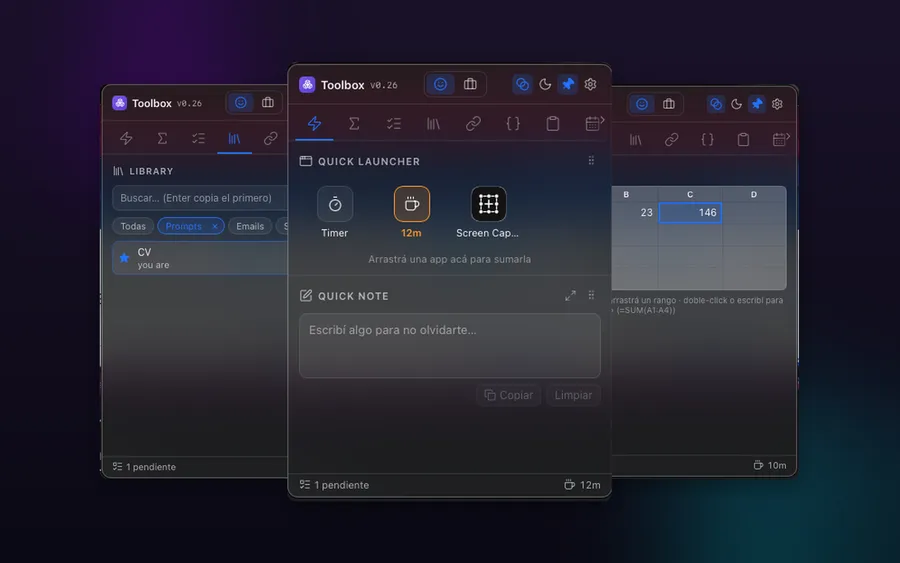
Toolbox
For the small utilities you use every day and keep scattered across apps and browser tabs.
One icon in your menu bar (macOS) or system tray (Windows): a click opens a popover packed with mini-tools — timers, notes, checklists, keep-awake, dev tools and more, organized in tabs. The hub of the Webstarted tools ecosystem.
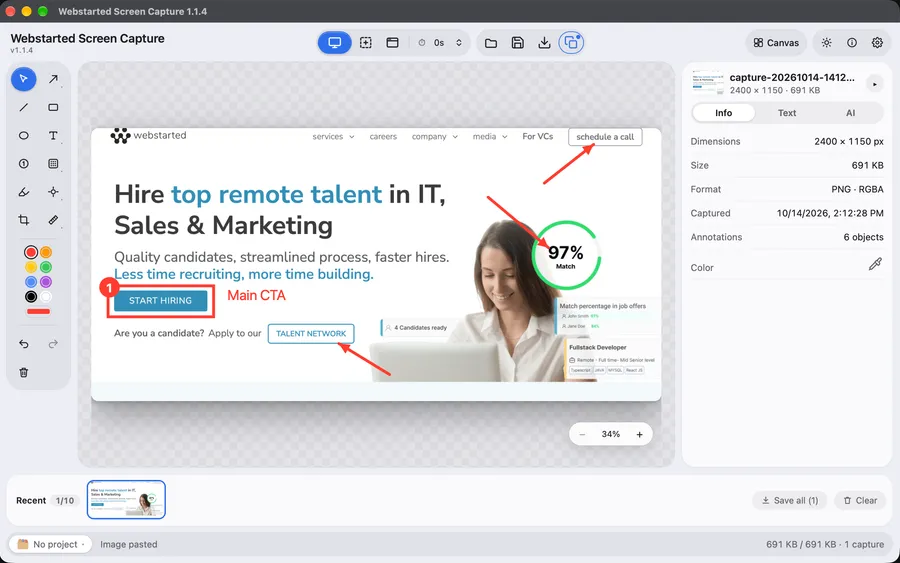
Screen Capture
For screenshots that need a note on top, or the text inside them copied, where the built-in tool falls short.
Capture any monitor or a precise region, annotate in place, and copy or save in one motion. Copy text from anywhere on screen with built-in OCR.
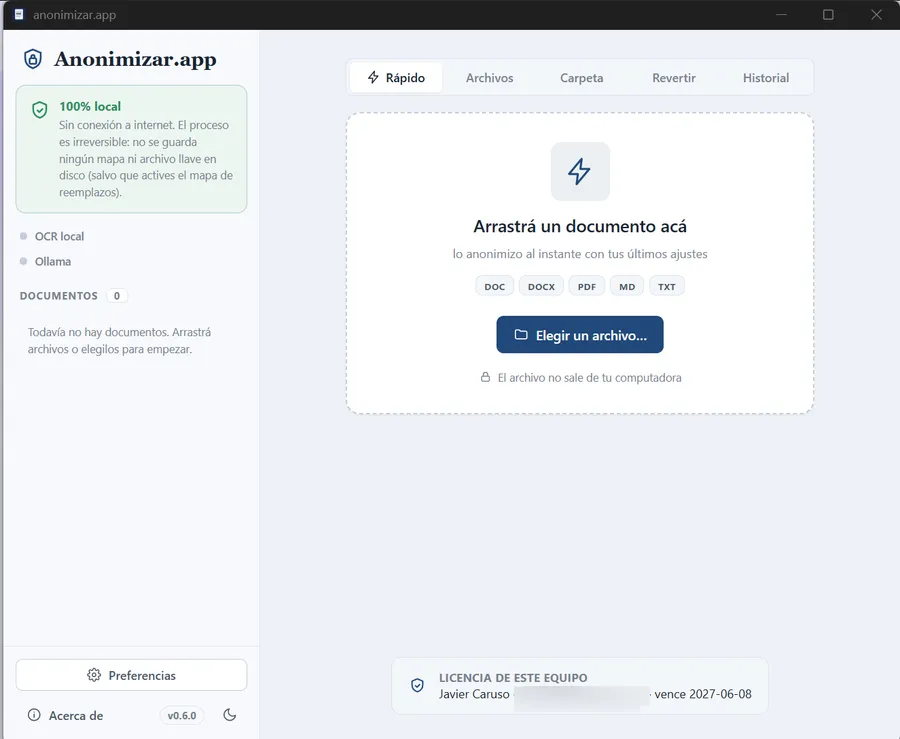
Anonimizar
For when you want AI help with a legal document but can't paste your client's personal data into it.
Strip names, IDs, addresses, dates and more from your legal documents before pasting them into ChatGPT or Claude — 100% local, nothing leaves your computer.
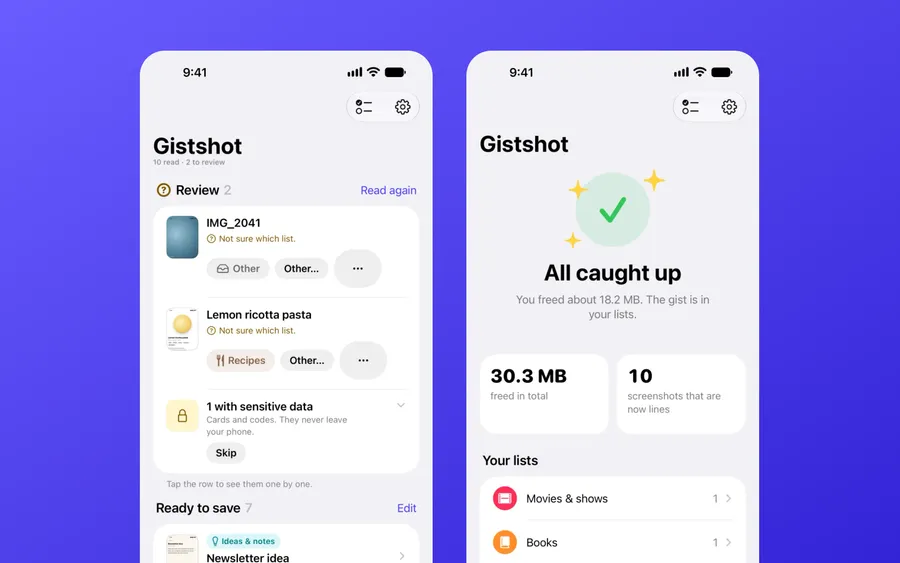
Gistshot
SoonFor the screenshots you take to remember something and never open again.
Every screenshot becomes a line in the right list (movies, books, places, ideas) and the image goes. Nothing is deleted until you see it.
More on the way
We're building. New tools show up here as they ship.
Stay tuned
Tokencito
Learn how AI really works by playing, five minutes a day: you fix small systems that break.
What we are learning
Updated on