
The all-in-one
menu bar app.
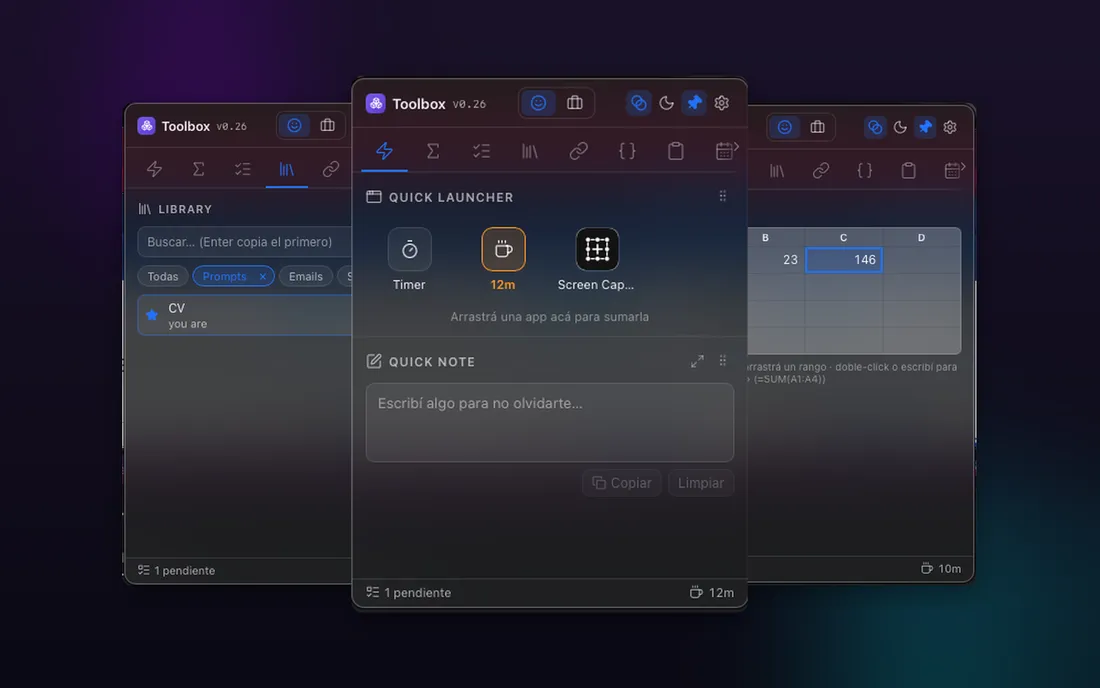
Webstarted Toolbox is a free all-in-one menu bar app with widgets: it lives in your menu bar on macOS or system tray on Windows. One click opens a popover that works like a hub: tasks, notes, timers, dev tools and dashboards, all organized in tabs. The little things you reach for all day, without opening another window.
Toolbox is a free beta: it updates often, and your notes and settings are yours — we don’t collect them. Keep backups of anything important. Terms · Privacy
On macOS 27 Golden Gate? It broke the left click on the menu bar icon of every Tauri app, ours included. Fixed from v0.264.3: what changed and what we did.
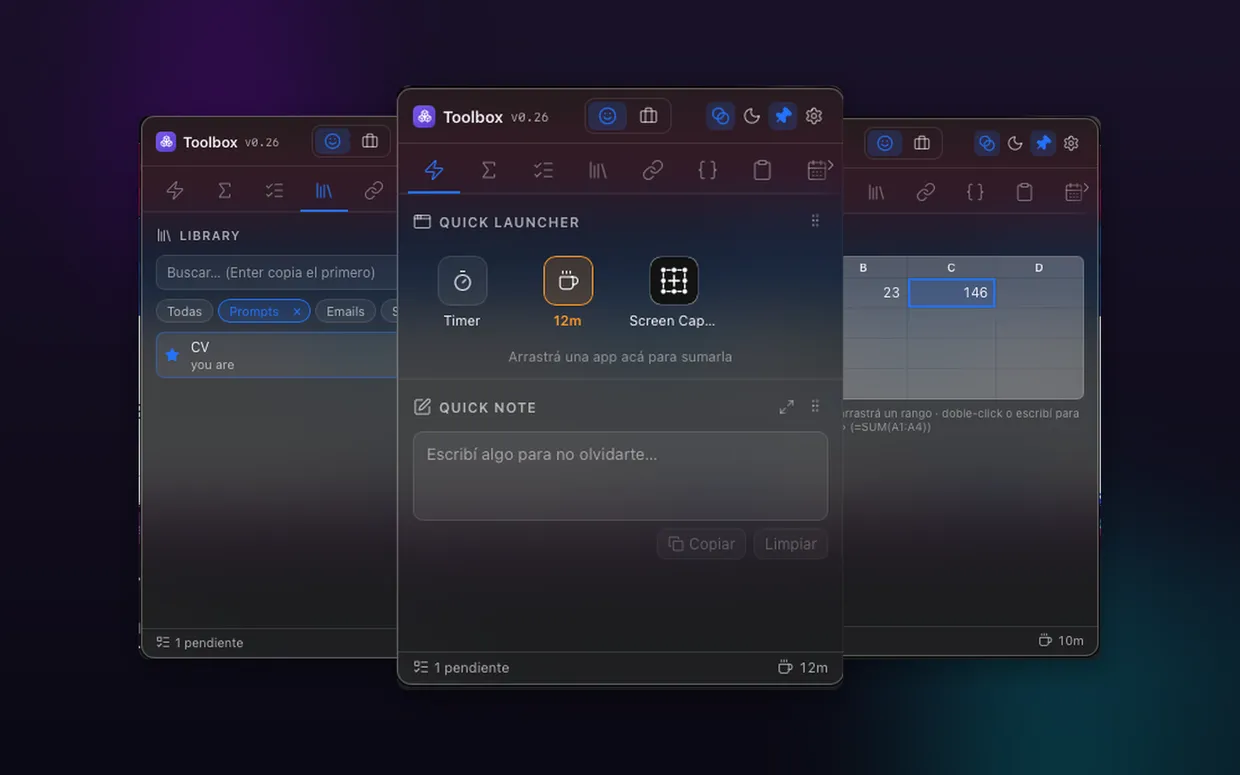
One icon. A whole toolbox.
Toolbox sits in your menu bar or system tray and opens into a popover packed with widgets, organized in tabs. Turn on only the ones you use, drag them to reorder, and group them into spaces like “Personal” or “Business”. It hides itself when it loses focus — or pin it to keep it open.
- One icon, always within reach
- A popover instead of yet another window
- Widgets grouped into clean tabs & spaces
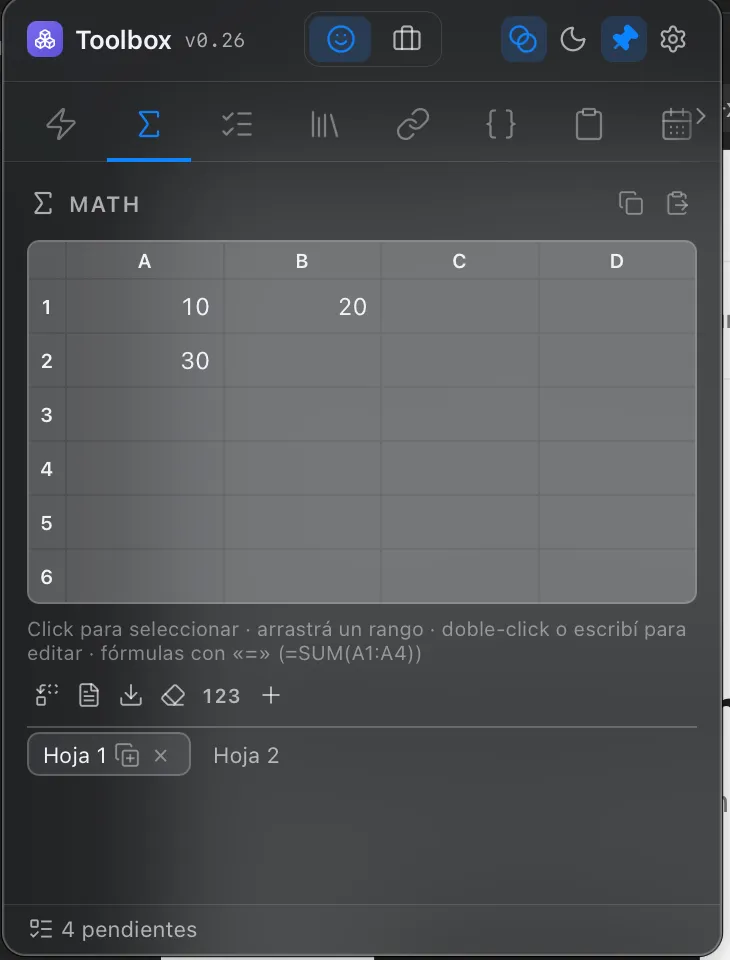
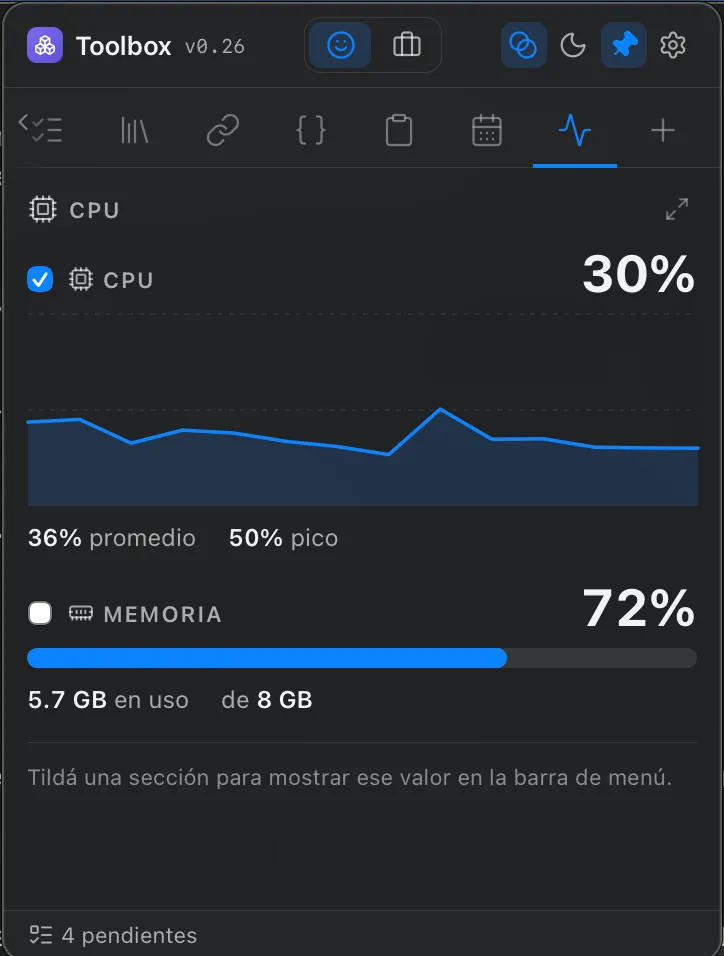
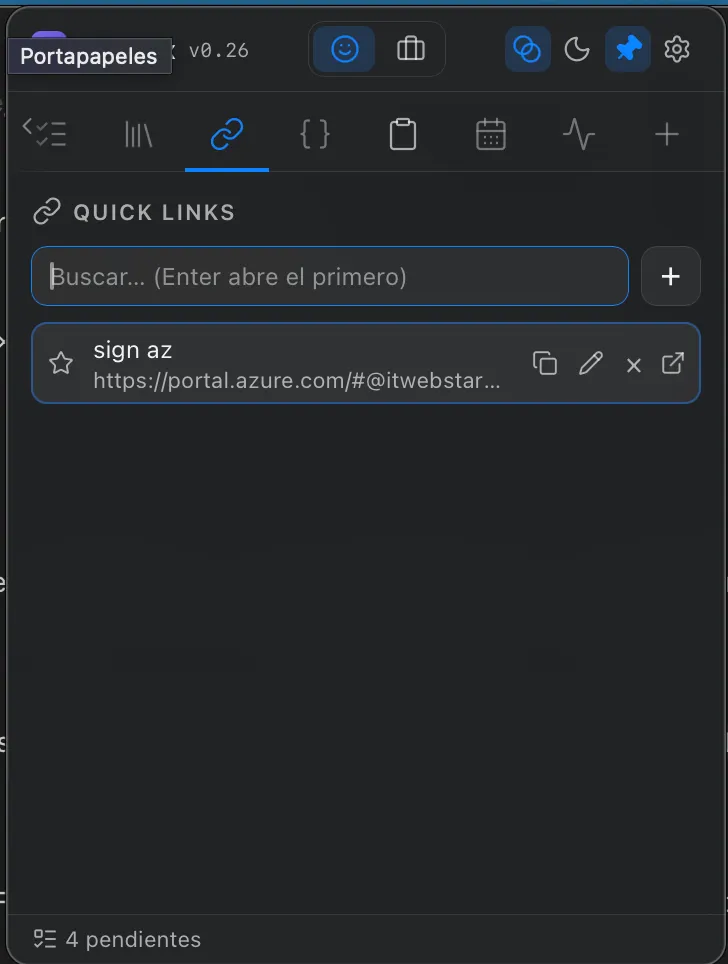
Real widgets, real work.
A few of them, live in the popover.
Built to live in your day.
The details that make it disappear into your workflow — quick to open, quick to hide, synced across machines, and the hub of the Webstarted tools ecosystem.
It also talks to agents: Toolbox runs a local MCP server so Claude can read and drive the widgets you allow it to — one widget at a time, and never your local scripts.
Questions, answered.
Is Webstarted Toolbox free?
Yes. Toolbox is a free beta and needs no account. It updates often, so keep backups of anything important.
Does it run on Mac and Windows?
Yes: macOS 12 or later and Windows 10 or later (x64). On a Mac it lives in the menu bar; on Windows, in the system tray. The installer is signed and notarized.
Does it work on Intel Macs and on Apple Silicon?
Both. The Mac download is a universal build, so it runs natively on Apple Silicon and on Intel Macs, not through translation.
Does Toolbox collect my notes or my data?
No. Your notes and settings are yours and we do not collect them. Widgets like Clipboard history are opt-in, and a private session opens a widget in a throwaway window that writes nothing to disk.
How do I open it?
Click the icon in the menu bar or the system tray, or press the global shortcut from anywhere: Control Option Command W by default, and you can change it. It hides when it loses focus, or you can pin it open.
How do I add more widgets?
From the Webstarted catalog, right inside the app: 34 installable widgets today. They install as signed plugins, verified before they load.
Can Claude or another AI agent use it?
Yes, if you turn it on. Toolbox has a built-in MCP server, off by default and opt-in per widget, that listens only on 127.0.0.1 and asks for a token. Your local scripts are never exposed to the agent.
What we are learning

Get Webstarted Toolbox
Free to use while in beta. macOS 12+ and Windows 10+.