
Capture the screen.
Mark it up. Ship it.
A fast, no-nonsense screen capture app for builders. Grab any monitor or a precise region, annotate in place, and copy or save in one motion — with a local AI that can read and describe what you captured.
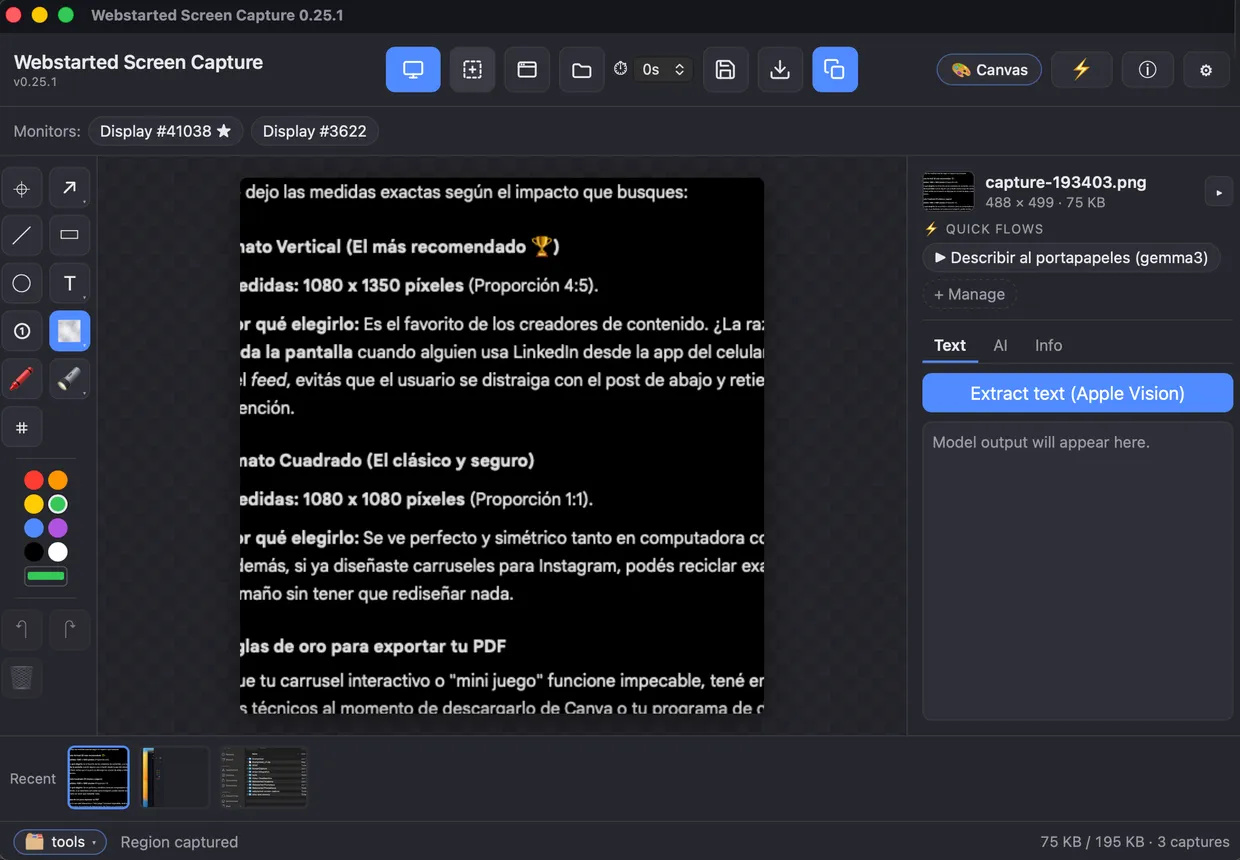
Select a region, two ways.
Drag out exactly what you need. Use the native OS selector for an
instant, zero-lag grab — screencapture -i on macOS,
ms-screenclip on Windows — or switch to the classic overlay
that freezes a full screenshot and works identically across platforms.
- Instant native selection on both platforms
- Frozen-overlay legacy mode, fully cross-platform
- Pixel-snapped marquee with live dimensions
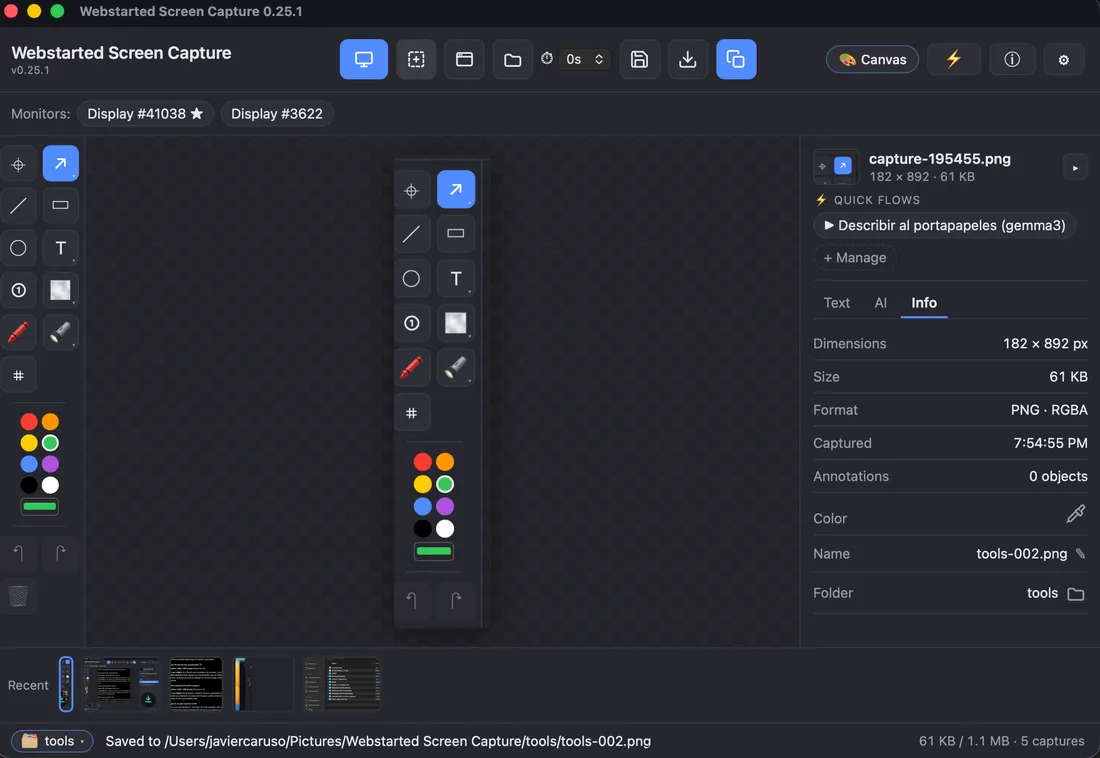
Full screen, any monitor.
One key grabs the primary display. Multi-display setup? List every monitor and capture the one you mean — or just take the active screen, the one the app is sitting on. No fiddling, no guessing.
- Primary display in a single keystroke
- Active screen — wherever the app is sitting
- Pick any monitor from a labeled list
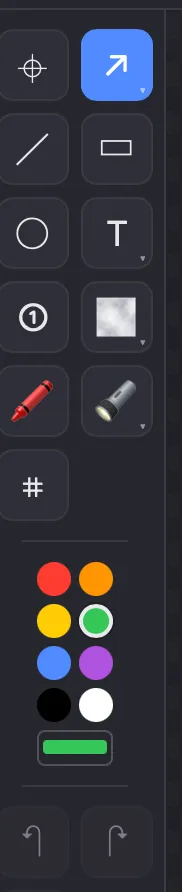
A real editor, built in.
Arrows, lines, rectangles, circles, text and numbered badges. Blur or pixelate what's private, spotlight what matters, scribble with the marker. Then move and resize anything until it's right, and crop to taste — it all composites into the PNG at full resolution the moment you save or copy.
- Arrows, shapes, text & numbered steps
- Blur, pixelate & spotlight for anything private
- Move, resize and crop — nothing is baked in early
Ask your screenshot what it says.
The app finds Ollama running on your machine, lists your models and flags the ones that can see. Point a vision model at any capture to describe it or pull out the text — with a fully editable prompt (Spanish out of the box).
- Local model detection & listing
- Vision-capable models flagged automatically
- Editable prompt · OCR & description
- Nothing leaves your machine
Everything else, handled.
Timed capture
A floating countdown window gives you a beat to set up the shot before it fires.
Clipboard-first
Copy to clipboard on demand, or auto-copy on every capture. Paste straight into chat.
Save & autosave
Save, or save-as anywhere. Optional autosave to a folder — defaults to your Pictures.
Recent filmstrip
Your last ten captures stay one click away in a built-in strip.
Projects
Group related captures into a project — keep a bug report, a client review or a session's screenshots together.
Collage & PDF
Combine several captures into one collage, or export a project as a lightweight PDF to share.
Hands stay on the keyboard.
Works system-wide, even when the app is in the background. Ctrl replaces ⌘ on Windows.
Built for the desktop it runs on.
On macOS the app handles Screen Recording permission for you — check status, request access, jump to the right Settings pane, and restart cleanly. Your preferences persist locally between sessions, so it always opens the way you left it.

Get Webstarted Screen Capture
Free to use. macOS 12+ and Windows 10+.