
Capture the screen.
Mark it up. Ship it.
A fast, no-nonsense screen capture app for builders. Grab any monitor or a precise region, annotate in place, and copy or save in one motion — with a local AI that can read and describe what you captured.


The Mac App Store edition leaves out Canvas & PDF, Ollama AI, flows, webhooks, local network sharing and the MCP server. The direct download has all of it and updates itself.
On macOS 27 Golden Gate? It broke the left click on the menu bar icon of every Tauri app, this one included, and it deprecated the old capture APIs. Both handled from v0.64.0: what changed and what we did.
Select a region, two ways.
Drag out exactly what you need. Use the native OS selector for an
instant, zero-lag grab — screencapture -i on macOS,
ms-screenclip on Windows — or switch to the classic overlay
that freezes a full screenshot and works identically across platforms.
- Instant native selection on both platforms
- Frozen-overlay legacy mode, fully cross-platform
- Pixel-snapped marquee with live dimensions
Full screen, any monitor.
One key grabs the primary display. Multi-display setup? List every monitor and capture the one you mean — or just take the active screen, the one the app is sitting on. No fiddling, no guessing.
- Primary display in a single keystroke
- Active screen — wherever the app is sitting
- Pick any monitor from a labeled list
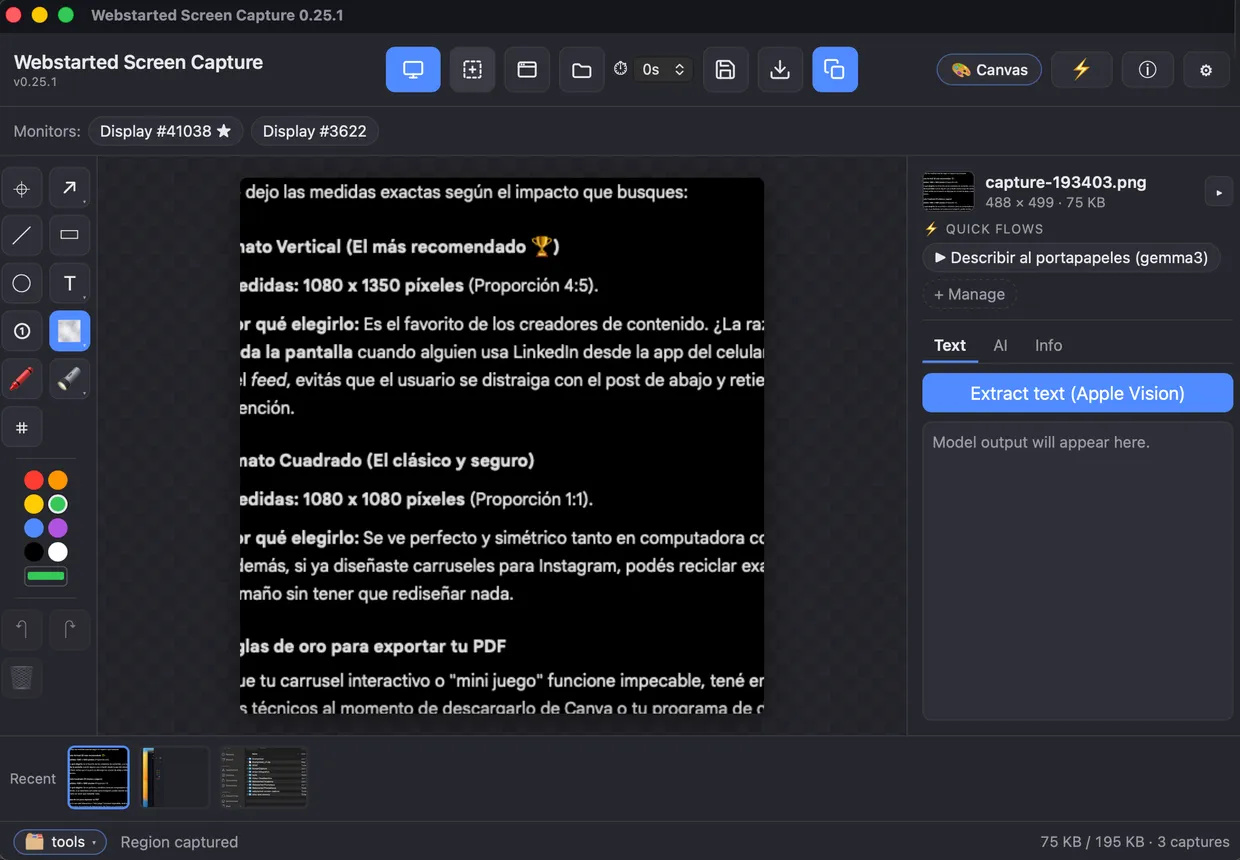
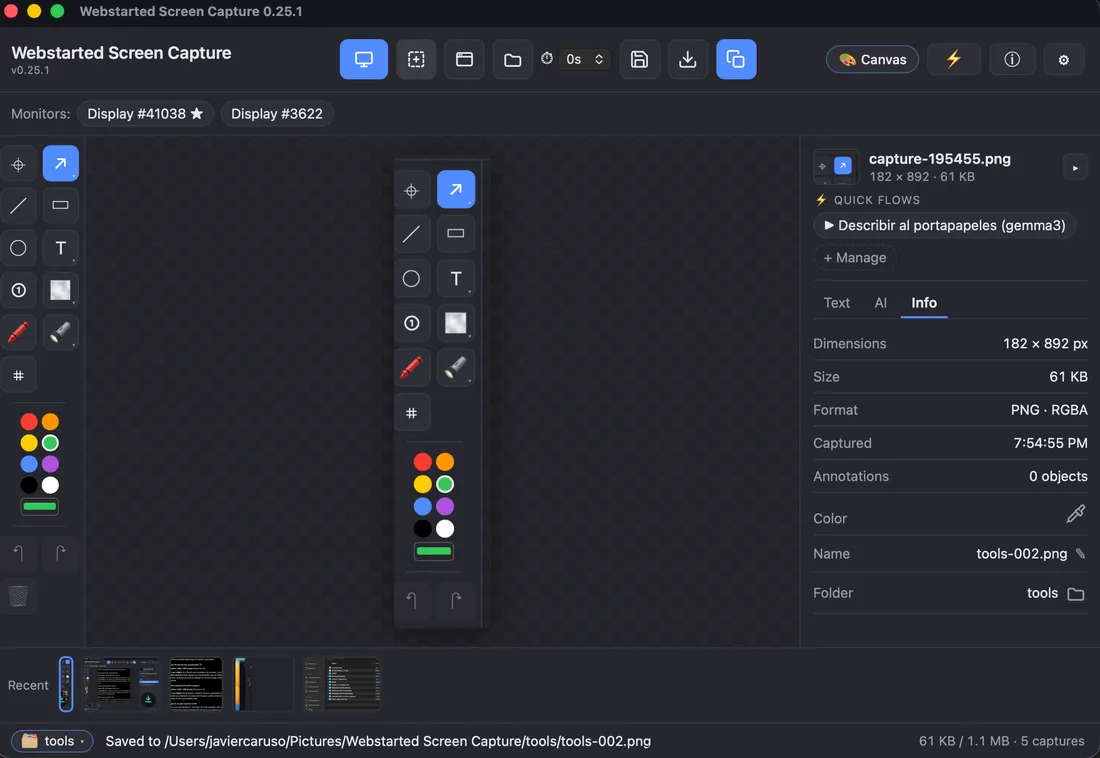
A real editor, built in.
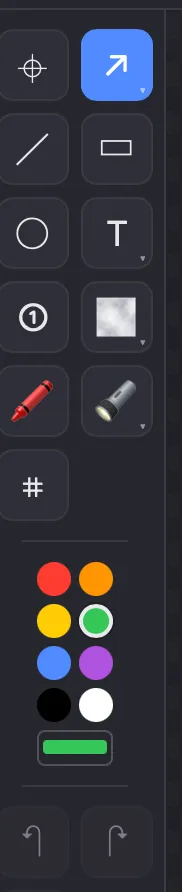
Arrows, lines, rectangles, circles, text and numbered badges. Blur or pixelate what's private, spotlight what matters, scribble with the marker. Measure any distance or box in pixels or points, and pick a color straight from the capture to copy its hex. Then move and resize anything until it's right, and crop to taste: it all composites into the PNG at full resolution the moment you save or copy.
- Arrows, shapes, text & numbered steps
- Blur, pixelate & spotlight for anything private
- Pixel ruler (px or pt) & eyedropper with hex copy
- Move, resize and crop — nothing is baked in early
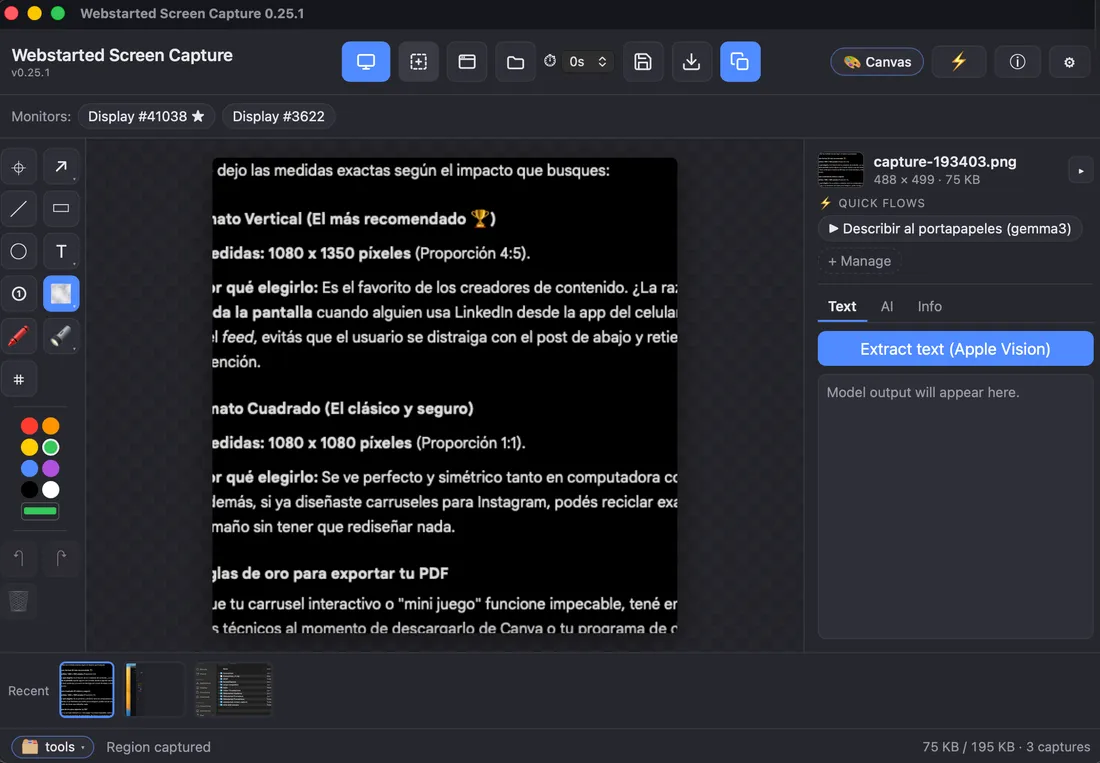
Ask your screenshot what it says.
Copy text from anywhere on screen: press ⌘⇧8, pick the area, and it's on your clipboard, without even opening the app. Reading text uses the OCR built into your system (Apple Vision on macOS, Windows OCR), so it's instant and there's nothing to install.
Want more than the text? If you run Ollama, the app lists your models, flags the ones that can see, and describes any capture with a prompt you can edit.
- Copy text with ⌘⇧8, also from the menu bar icon
- Native OCR, offline and instant
- Optional AI description with your local Ollama models
- Nothing leaves your machine
Everything else, handled.
Timed capture
A floating countdown window gives you a beat to set up the shot before it fires.
Clipboard-first
Copy to clipboard on demand, or auto-copy on every capture. Paste straight into chat.
Save & autosave
Save, or save-as anywhere. Optional autosave to a folder — defaults to your Pictures.
Recent filmstrip
Your last ten captures stay one click away in a built-in strip.
Projects
Group related captures into a project — keep a bug report, a client review or a session's screenshots together.
Canvas & PDF
Combine several captures into one collage, or lay them out as a page carousel and export it to PDF, ready for LinkedIn.
Names that mean something
Files come out as onboarding-003-google-chrome.png: project, order and source app. Rename from the status bar, or press ⌘⇧S to save and name.
Updates itself
New versions install in the background, only with the window closed and nothing unsaved. Never over mobile data or a hotspot. You can turn it off.
Automation, for the advanced. A command line (capture --ocr) for
macOS Shortcuts or Power Automate, flows that chain capture, OCR, save and webhook
into one action, and a local MCP server so AI agents can use it. All opt-in.
Hands stay on the keyboard.
Works system-wide, even when the app is in the background. Ctrl replaces ⌘ on Windows.
Built for the desktop it runs on.
On macOS the app handles Screen Recording permission for you — check status, request access, jump to the right Settings pane, and restart cleanly. Your preferences persist locally between sessions, so it always opens the way you left it.
Questions, answered.
I turned on Screen Recording but the app still says it doesn't have permission
It almost always happens after switching editions: having the direct download (DMG) and then installing the Mac App Store version, or the other way around. They are the same app but signed differently, and macOS keeps a separate permission for each one, so the switch you turned on may belong to the other. To fix it: 1) Quit the app completely (menu bar icon → Quit; closing the window is not enough). 2) Open System Settings → Privacy & Security → Screen Recording (Screen & System Audio Recording on recent macOS), select Webstarted Screen Capture and remove it with the − button. If it shows up more than once, remove them all. 3) Open the app, grant the permission when it asks and use the restart button in the notice. If you prefer Terminal, step 2 is the same as running tccutil reset ScreenCapture com.webstarted.screencapture. If the app shows a blank icon or a name ending in .app in that list, it is cosmetic and does not affect the permission. Still stuck? Write to apps-support@webstarted.com.
Can I recover my screenshots after quitting the app?
Screenshots you saved can be reopened from Saved last time with Reopen all. Unsaved screenshots and edits are not restored, so save your work before quitting.
How do I stop the app from opening when I start my computer?
Open Preferences → General and turn off Launch at startup. In the Mac App Store edition this option starts turned off.
Does removing a screenshot from Saved last time delete the file?
No. The × button and Remove from the list only take the thumbnail off the list. The saved file stays on your computer.
Can I annotate an image I already have?
Yes. Choose Open image, drag an image into the window or paste one from the clipboard. Then annotate and crop it like any screenshot.

Get Webstarted Screen Capture
Free to use. macOS 12+ (Apple Silicon) and Windows 10+.
The Mac App Store edition leaves out Canvas & PDF, Ollama AI, flows, webhooks, local network sharing and the MCP server. The direct download has all of it and updates itself.