
Your menu bar,
supercharged.
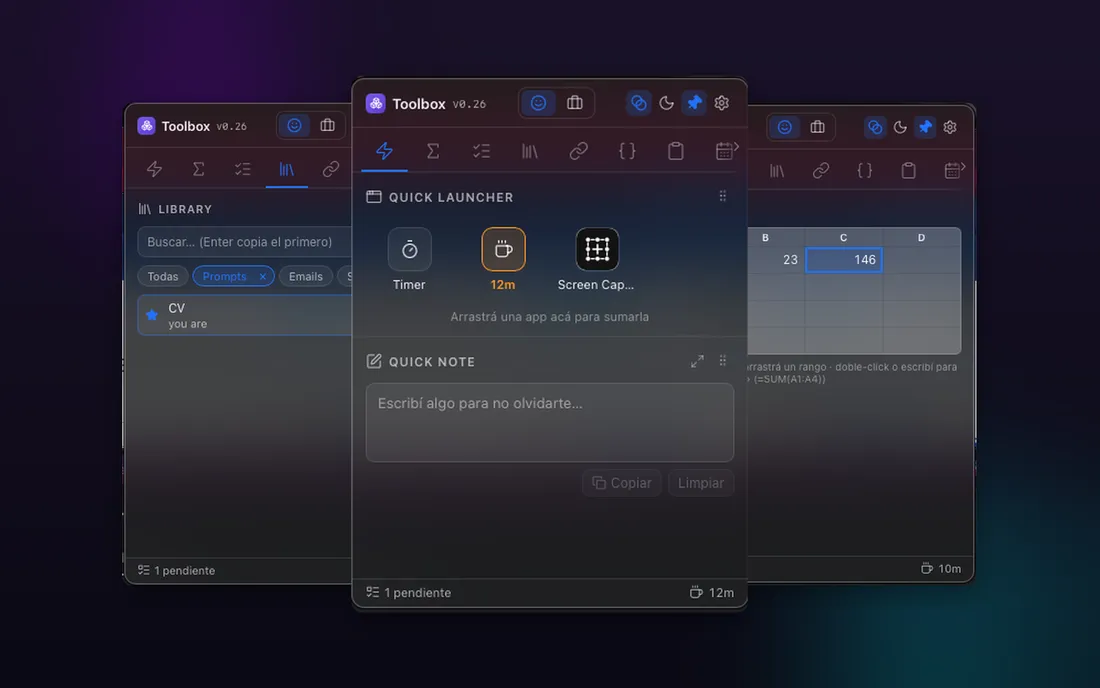
A lightweight app that lives in your menu bar on macOS or system tray on Windows. One click opens a popover that works like a hub — tasks, notes, timers, dev tools and dashboards, all organized in tabs. The little things you reach for all day, without opening another window.
Toolbox is a free beta: it updates often, and your notes and settings are yours — we don’t collect them. Keep backups of anything important. Terms · Privacy
On macOS 27 Golden Gate? It broke the left click on the menu bar icon of every Tauri app, ours included. Fixed from v0.264.3: what changed and what we did.
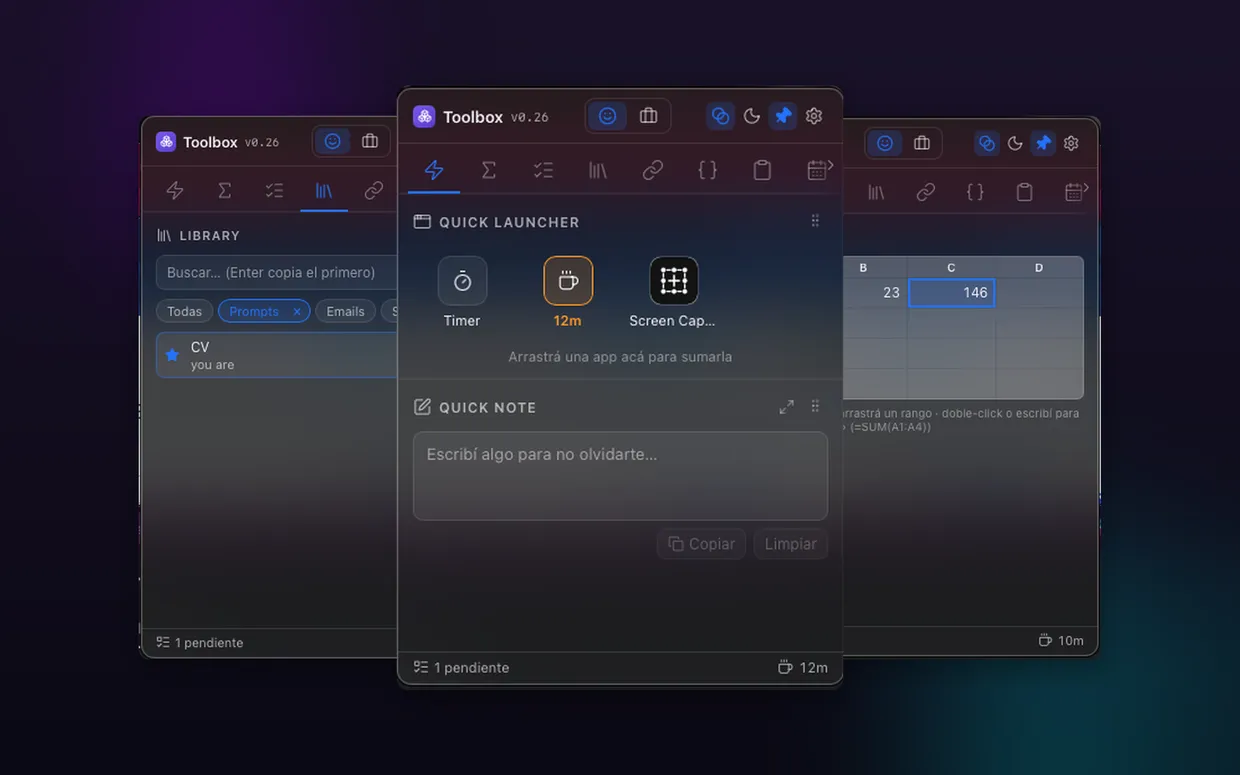
One icon. A whole toolbox.
Toolbox sits in your menu bar or system tray and opens into a popover packed with widgets, organized in tabs. Turn on only the ones you use, drag them to reorder, and group them into spaces like “Personal” or “Business”. It hides itself when it loses focus — or pin it to keep it open.
- One icon, always within reach
- A popover instead of yet another window
- Widgets grouped into clean tabs & spaces
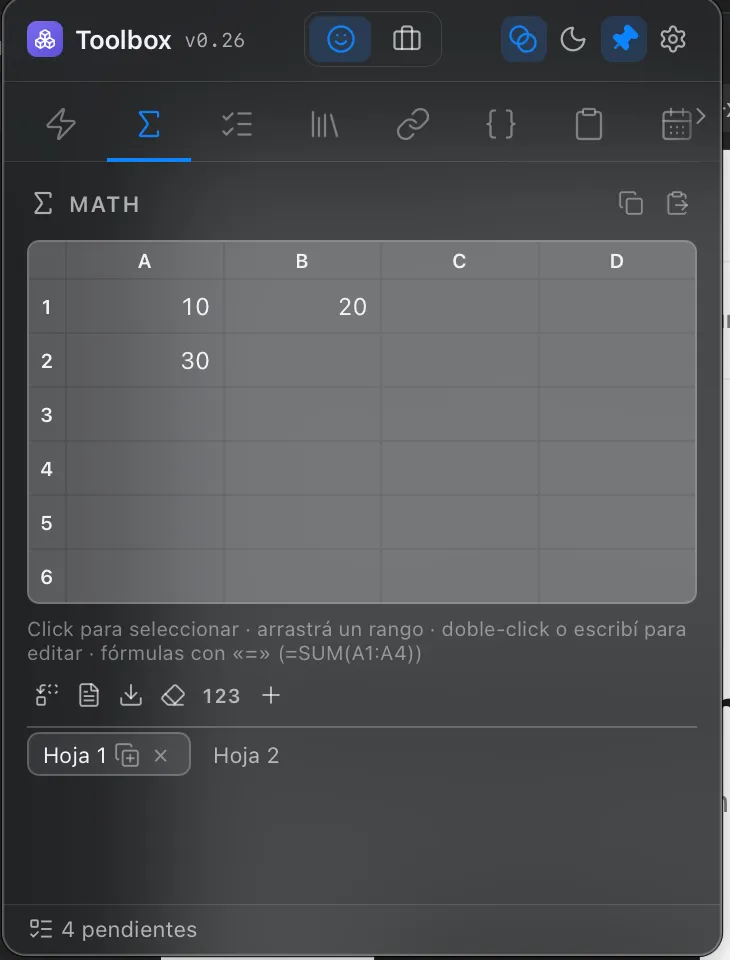
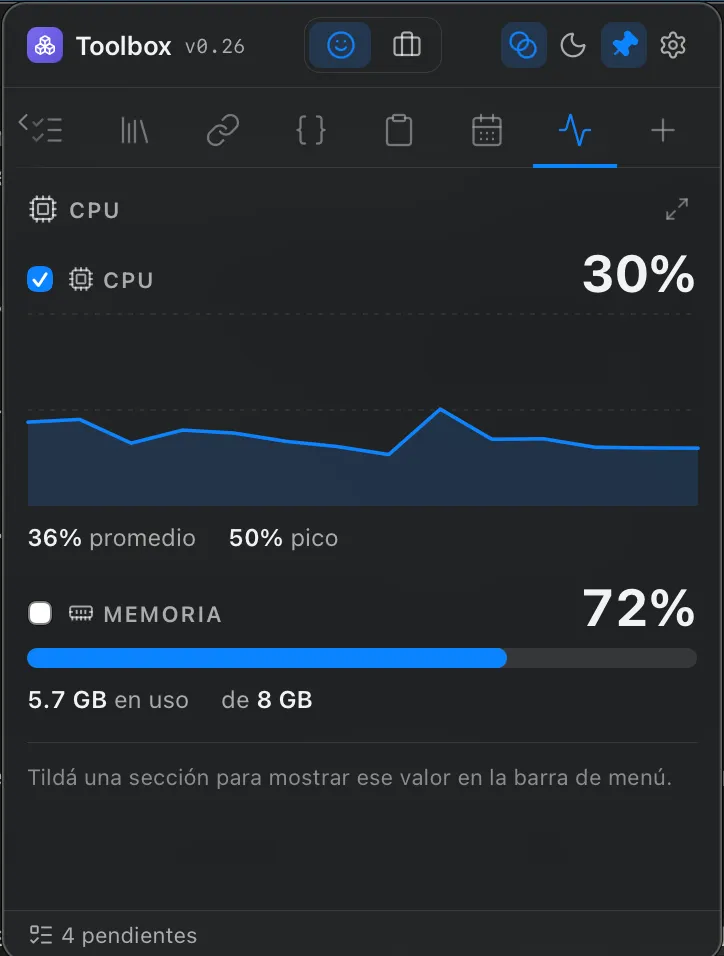
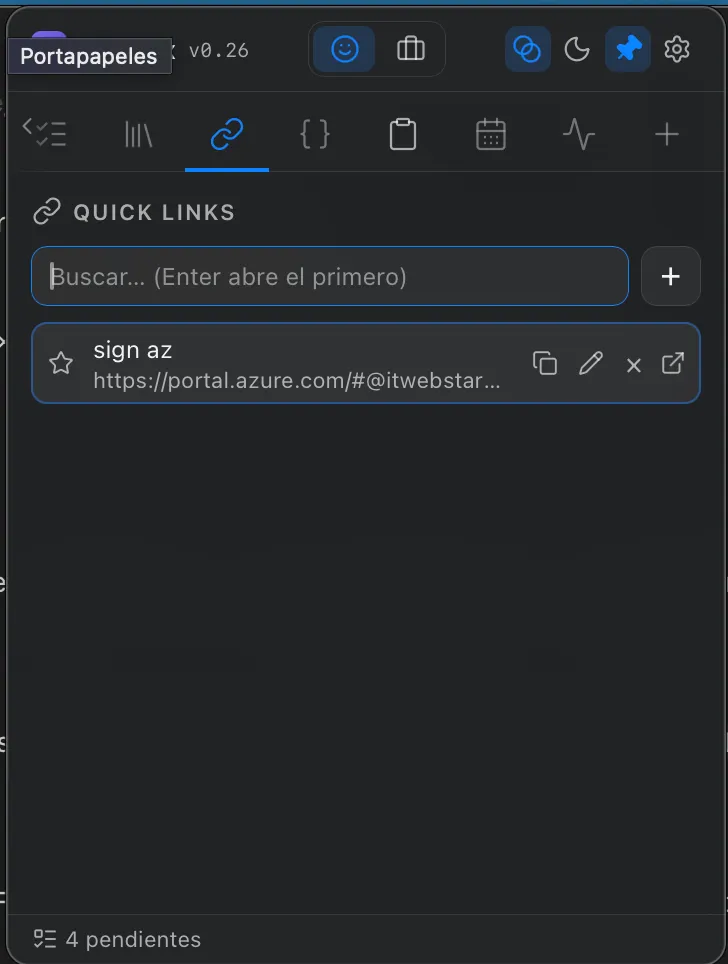
Real widgets, real work.
A few of them, live in the popover.
Built to live in your day.
The details that make it disappear into your workflow — quick to open, quick to hide, synced across machines, and the hub of the Webstarted tools ecosystem.
It also talks to agents: Toolbox runs a local MCP server so Claude can read and drive the widgets you allow it to — one widget at a time, and never your local scripts.
What we are learning

Get Webstarted Toolbox
Free to use while in beta. macOS 12+ and Windows 10+.